
Handy 3D Reference Tools for Artists (Part 1)
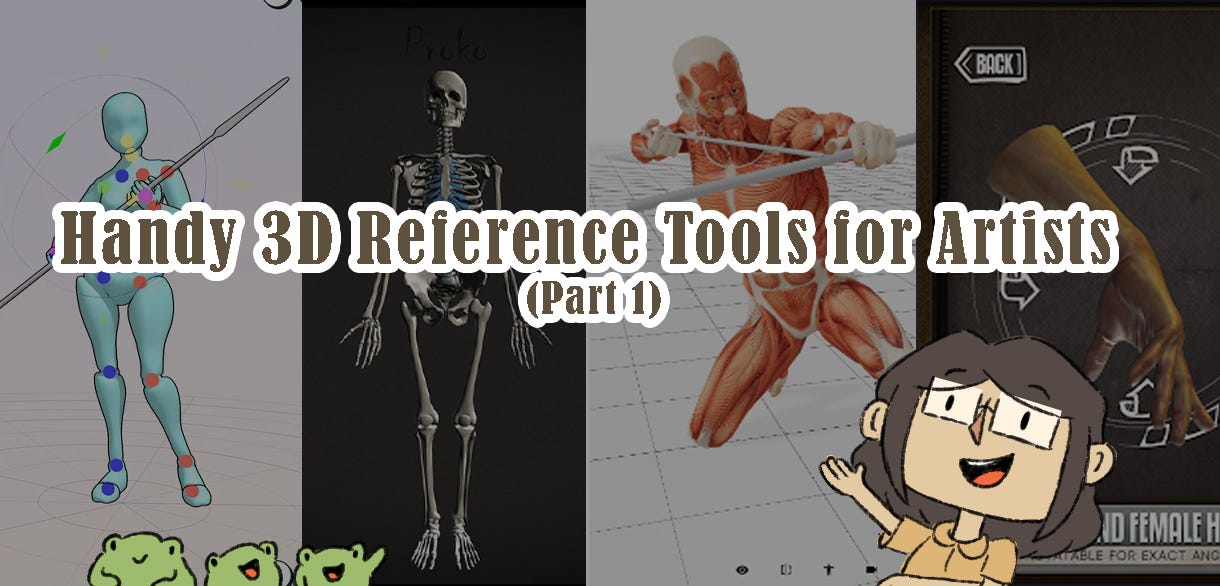
A list of 3D reference tools to help you draw and get gud. This is Part 1 of the 2-part blog.

Hi study buddies!
Have you ever been in a situation where you needed a very specific photo reference of a pose in a specific angle, but you can’t find it anywhere on the internet, nor can you physically replicate it because the pose you’re looking for is actually a mid-air backflip?
I feel you.
But don’t worry, there’s a solution to this: 3D models!
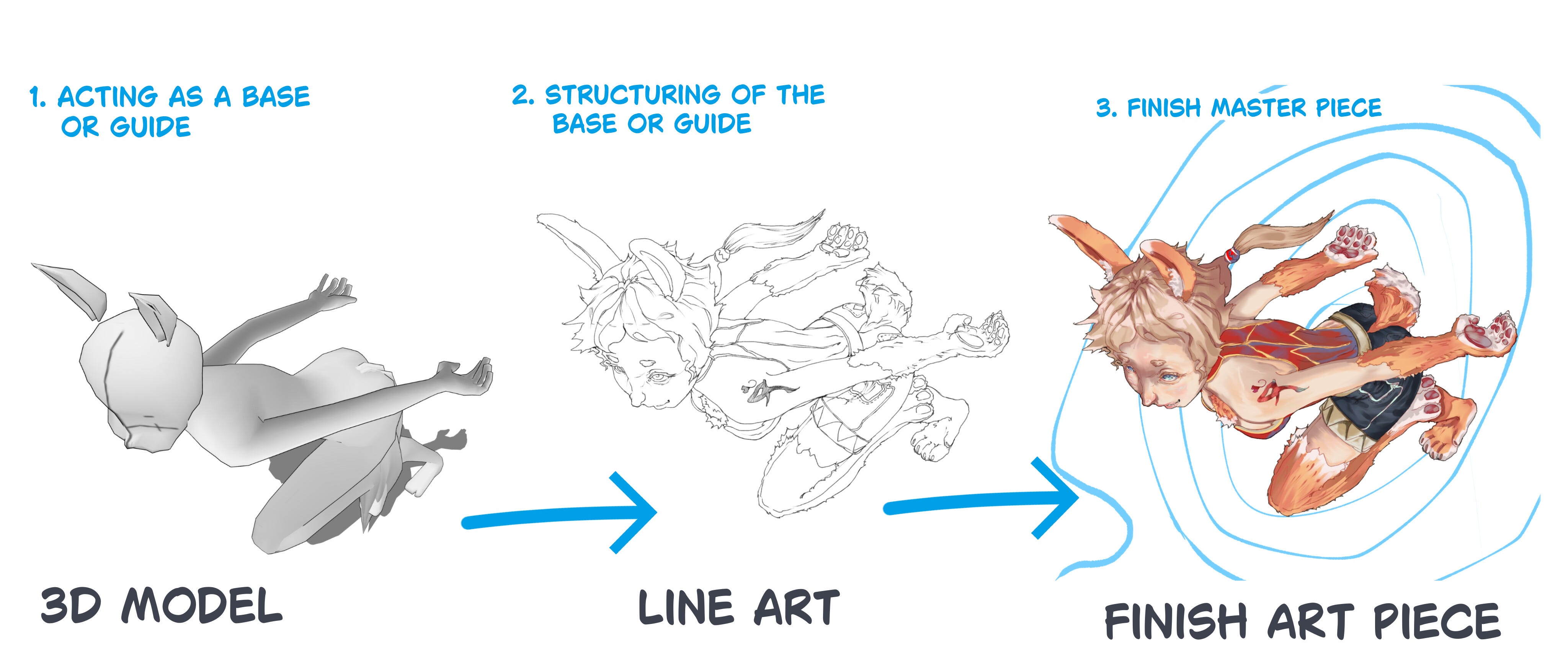
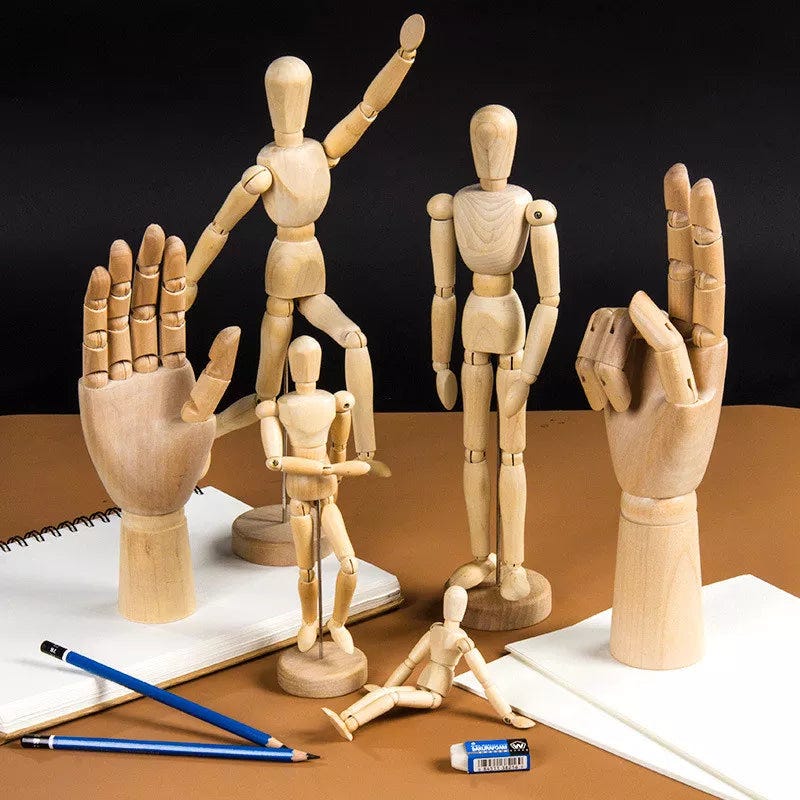
With 3D models, you can pose and manipulate them and put them in different angles to assist in your drawing. It’s like using those wooden mannequins in art classes, but digitally.
There are so many possibilities you could do with 3D models for drawing! In this blog, I will show you a list of 3D reference tools to help you as an artist, whether it’s to study proportions and perspectives, make your own references, or save time from drawing constructions. Some of these methods might even surprise you!
But first, it’s time to do a quick art history:
A Brief History of Mannequins
The mannequin is an iconic tool in art, but did you know that artists have been using mannequins as reference tools since the Renaissance? Also known as “laymen” or “lay figures,” the mannequins have come in many shapes and forms throughout history, from carved 16th-century figurines and effigies to life-size mannequins and “stuffed Parisian” figures12.
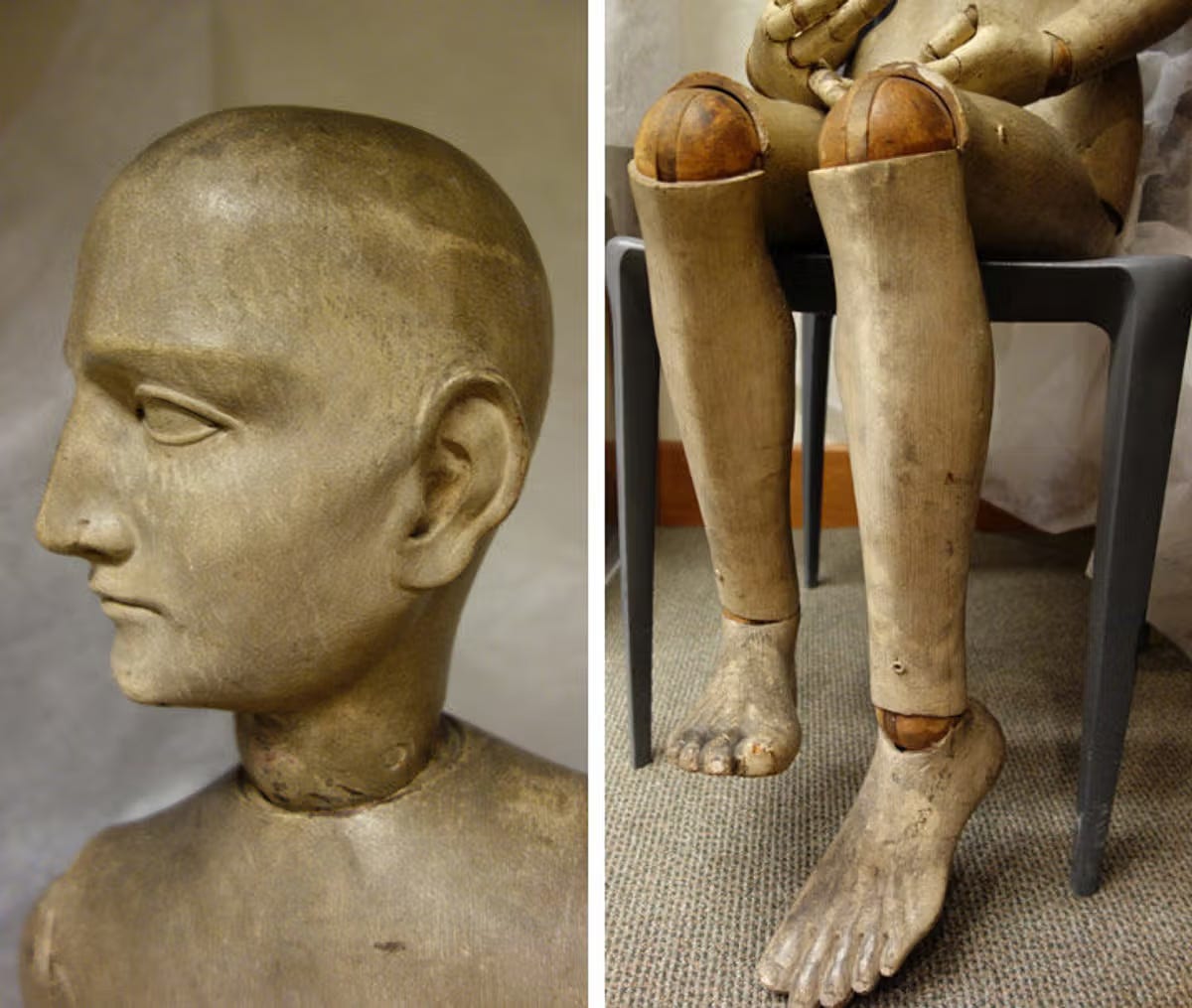
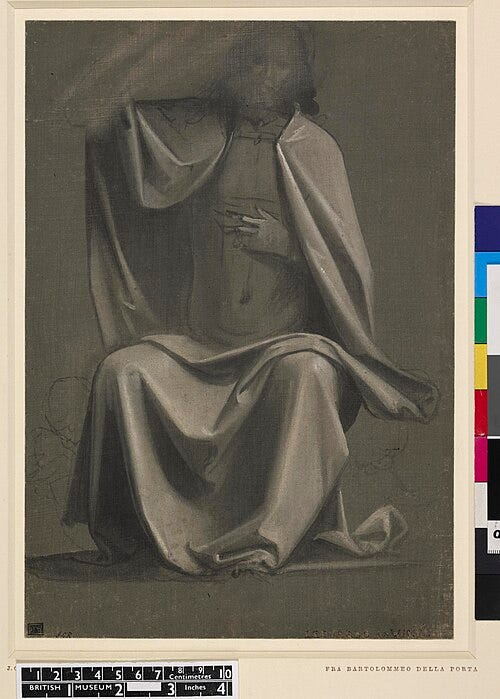
It’s likely that some form of human effigy was used in artists’ workshops from the Middle Ages, but the first detailed records of when and how they were used occur in 15th-century Italy. The articulated human figures were primarily used for drapery studies, a widespread practice amongst famous Renaissance artists like Leonardo da Vinci and Fra Bartolomeo (see image below)3.
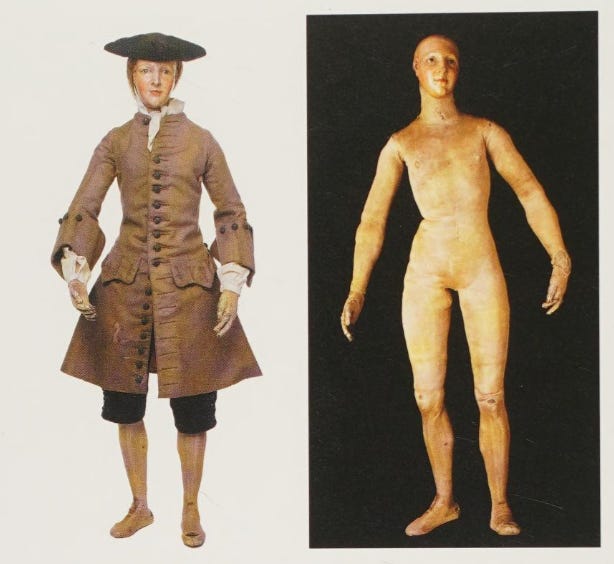
As the mannequins became more realistic to the human form in the latter half of the 18th century, they became popular tools for painters to study the anatomy and use as stand-ins for human models4.


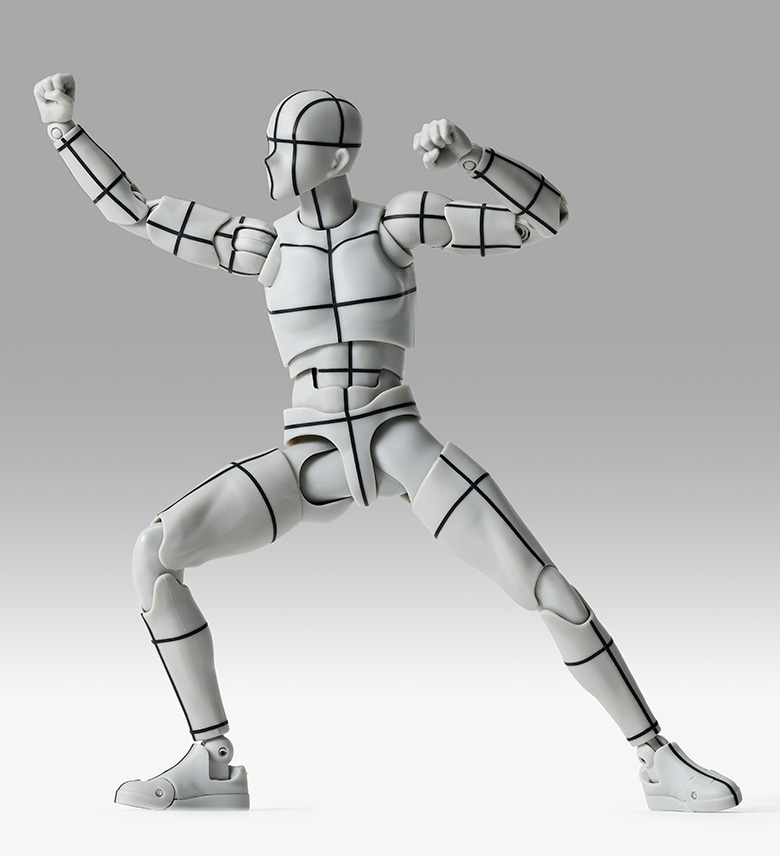
To this day, mannequins are still used by artists and they’re much smaller now. The wooden ones are the most common, but there are also more articulate and detailed ones like the Body Kun dolls (see below).
Why the Mannequins Might Not Be for You
While the mannequins can be useful for some artists, for others…
They kinda suck.
SamDoesArts made a video that does a good job explaining the flaws of the mannequins (specifically the wooden ones).
Essentially, the wooden mannequins aren’t perfect for representing the human figure and can hinder artistic improvement. They’re also not flexible, so the number of poses you can do with them can be limited. It would be better to buy the action-figure mannequins, as they’re more flexible and more anatomically correct.
But these mannequins can be pricey.
That’s where these 3D reference tools can be useful! So, without further ado, here is the list!
List of 3D Reference Tools
1. William Nguyen’s Realtime Male and Female Heads, Light Reference Tool
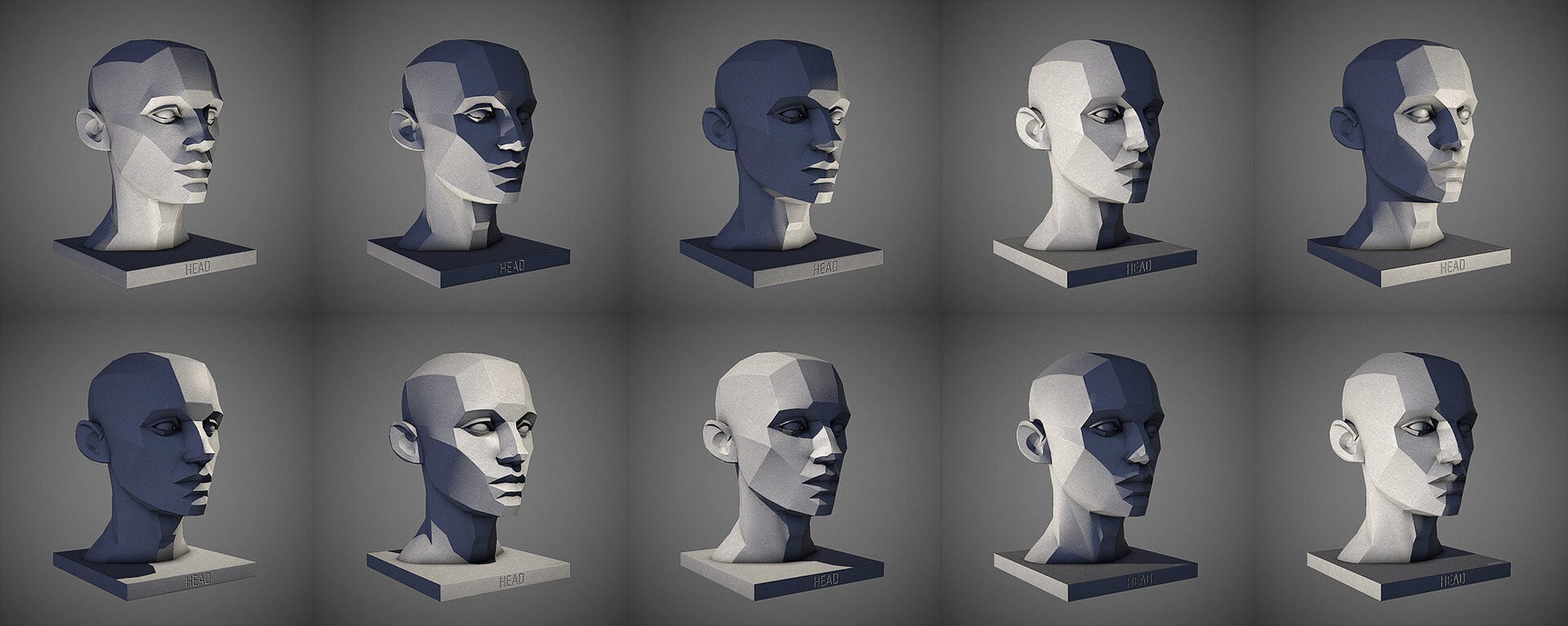
3D reference tool of male and female head models with interactive lighting. Great for light references on human face.
Price: Free
Links:
2. JustSketchMe
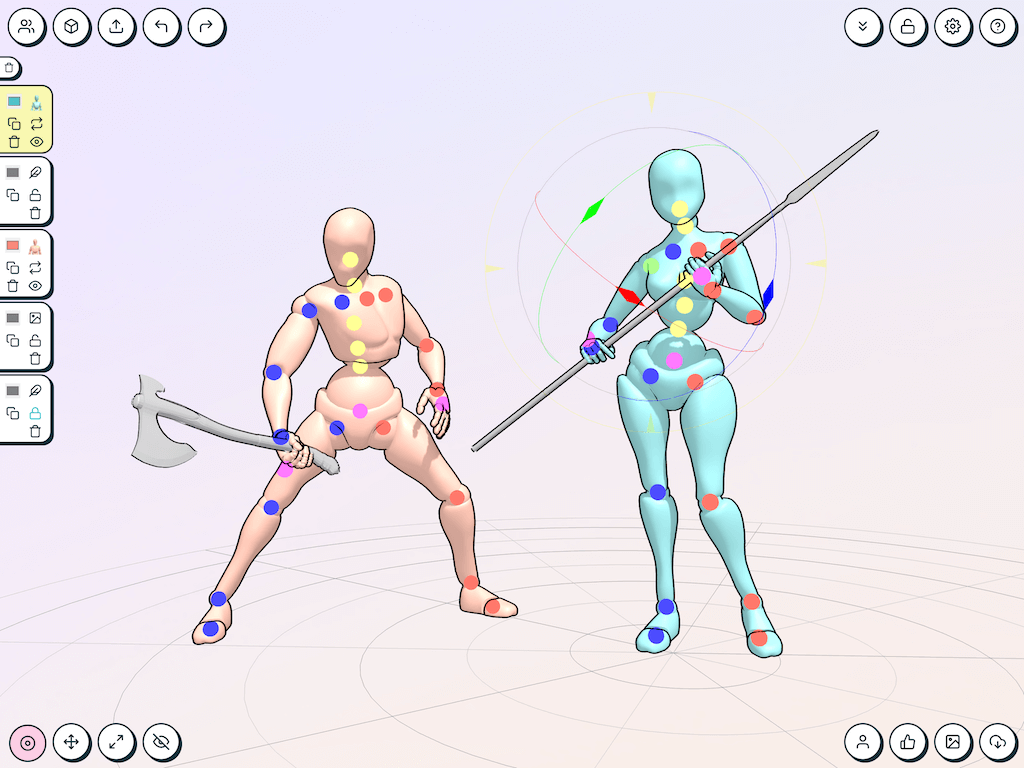
Interactive 3D mannequin posing app. Includes full pose library, props, and dynamic lights. Can be used within browser or installed on PC, Mac, iOS, and Android.
Price: JustSketchMe is free.
If you need more models and poses, you can pay for JustSketchMe Pro through subscription ($12/month) or one-time payment ($99).
3. PoseMy.Art
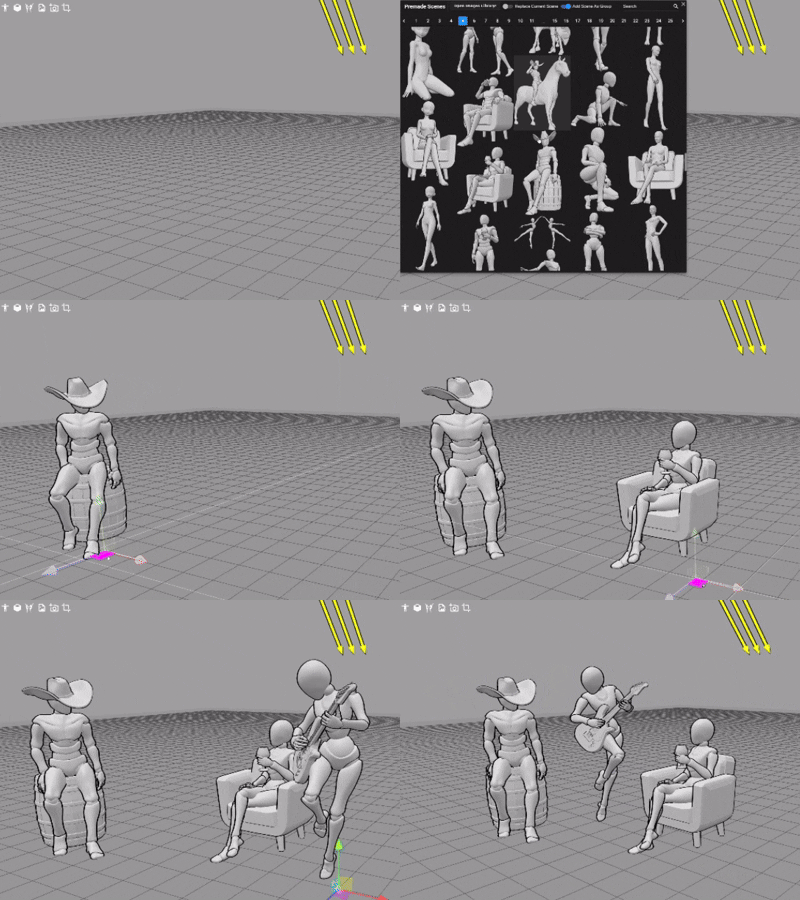
Interactive online 3D mannequin posing. Lots of premade poses, props, and mocap animations in their library. PoseMy.Art is online and works on every major platform: Chrome, Safari, Firefox, Windows, Mac, Linux, Android, and iOS.
Price: Includes free and premium (paid) versions.
Premium includes more poses, models, and ability to import and export scenes. Paid through subscriptions ($15/monthly or $150/yearly) or one-time payment ($99.99).
4. Magic Poser
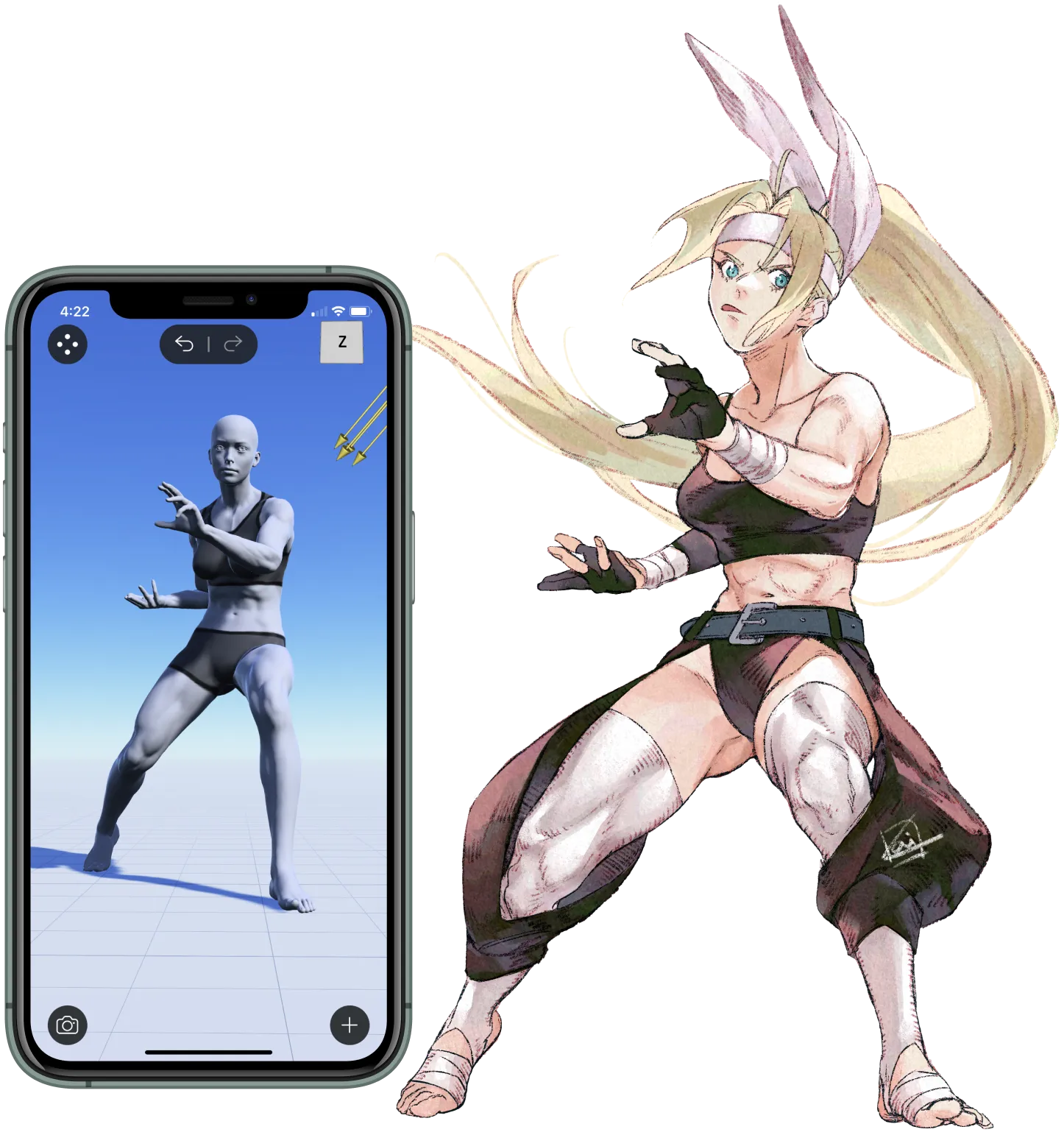
3D pose reference app, available on App Store and Google Play. Includes huge pose library, adjustable lighting, and props.
Price: Includes free and paid versions. Paid versions include more models, more poses, and body morphs. Two tiers: Pro ($9.99, one time) and Master ($14.99/month)
5. Handy Art Reference Tool
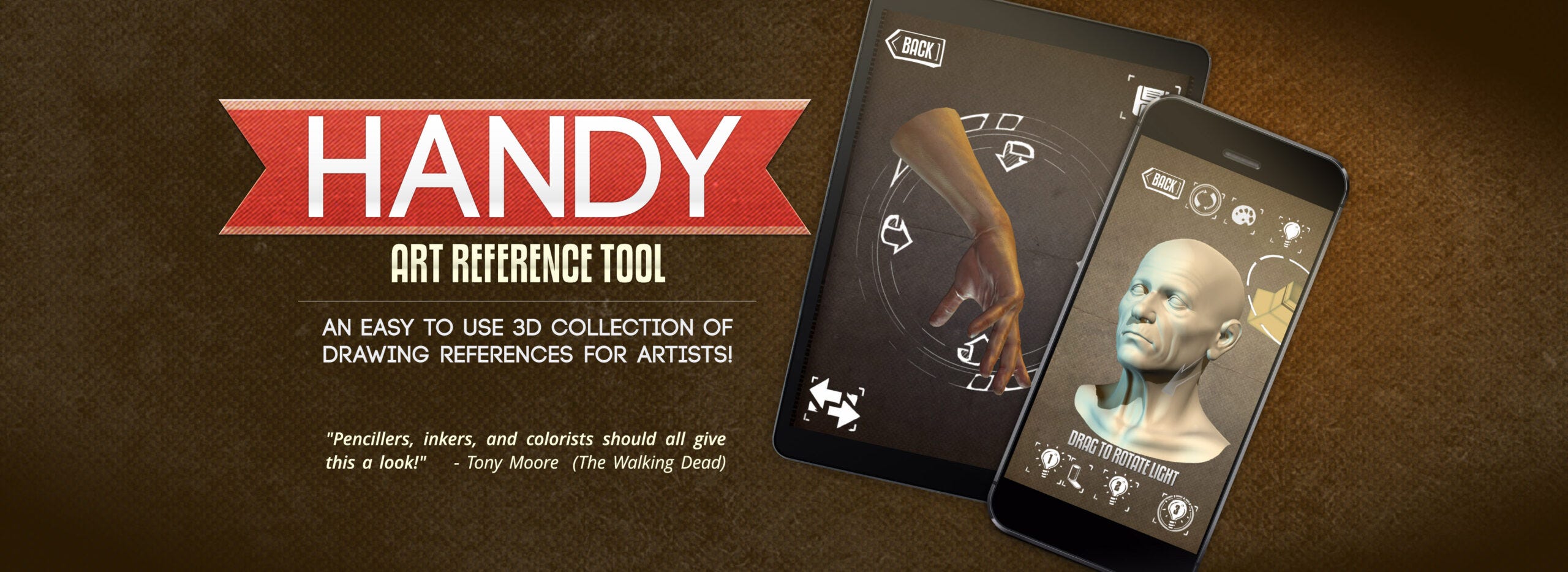
3D pose reference app, consisting of hands, feet, heads, and props. Includes posable models, rotatable camera, and editable lights. Available on the App Store, Google Play, Mac App Store, and Microsoft Store.
Price: starts at $1.99. Pay more to access more models.
6. Skelly
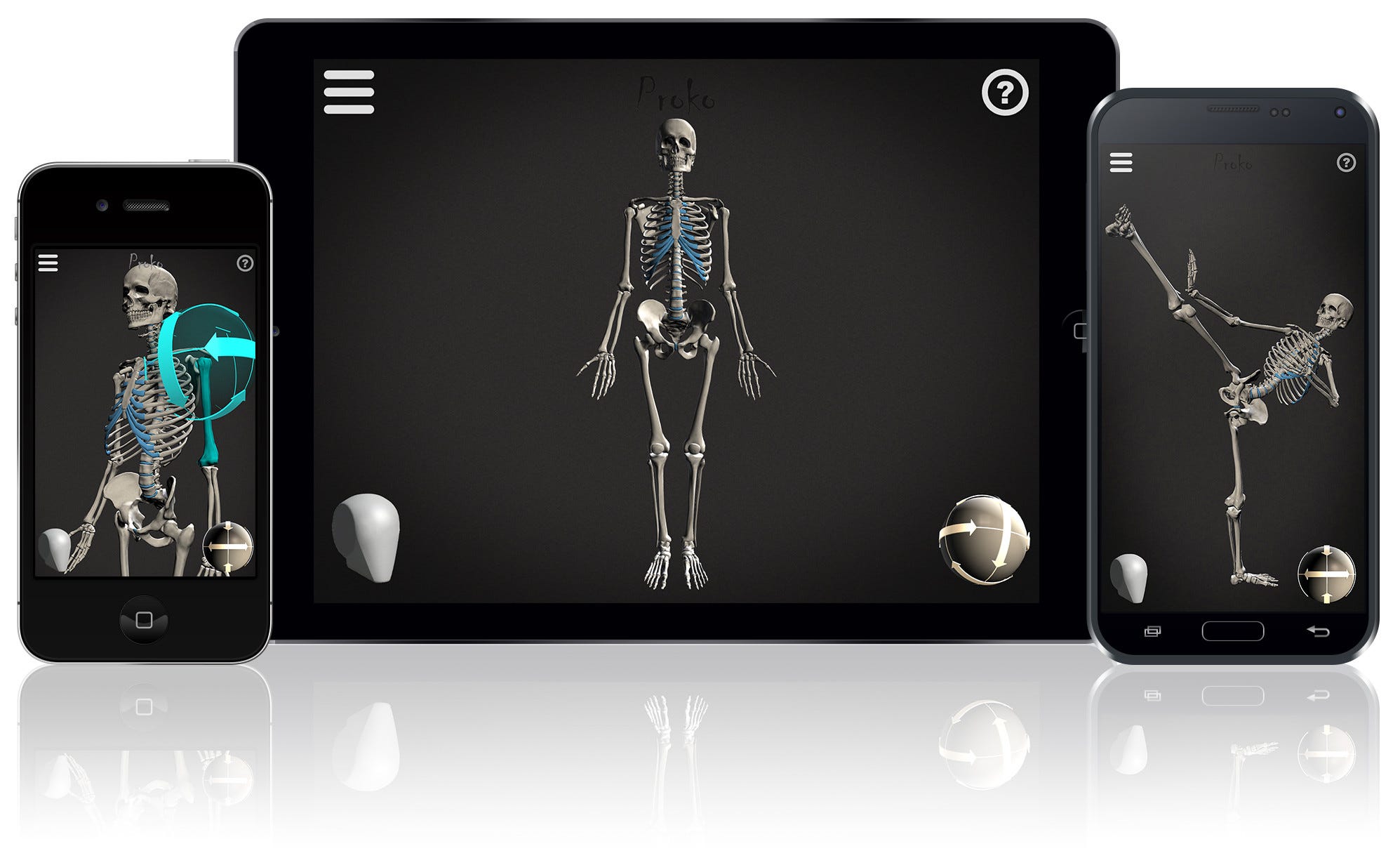
3D skeleton posing app made by Proko. Fully posable with rotatable camera, editable lighting, and ability to save poses in library. Available on App Store and Google Play.
Price: $6.99
7. POSEMANIACS
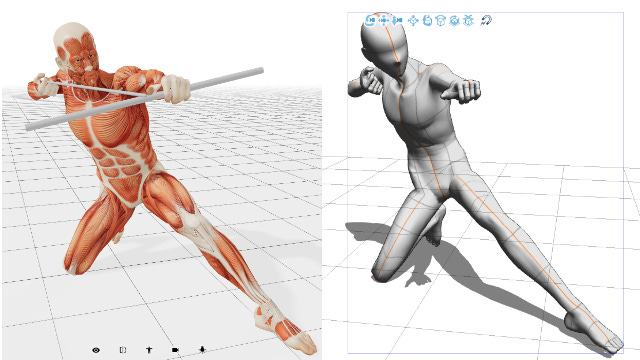
Royalty-free 3D pose reference library. Includes rotatable camera and adjustable lighting. Great for learning human muscles. Can be used inside Clip Studio Paint.
Price: Free
8. Clip Studio Paint
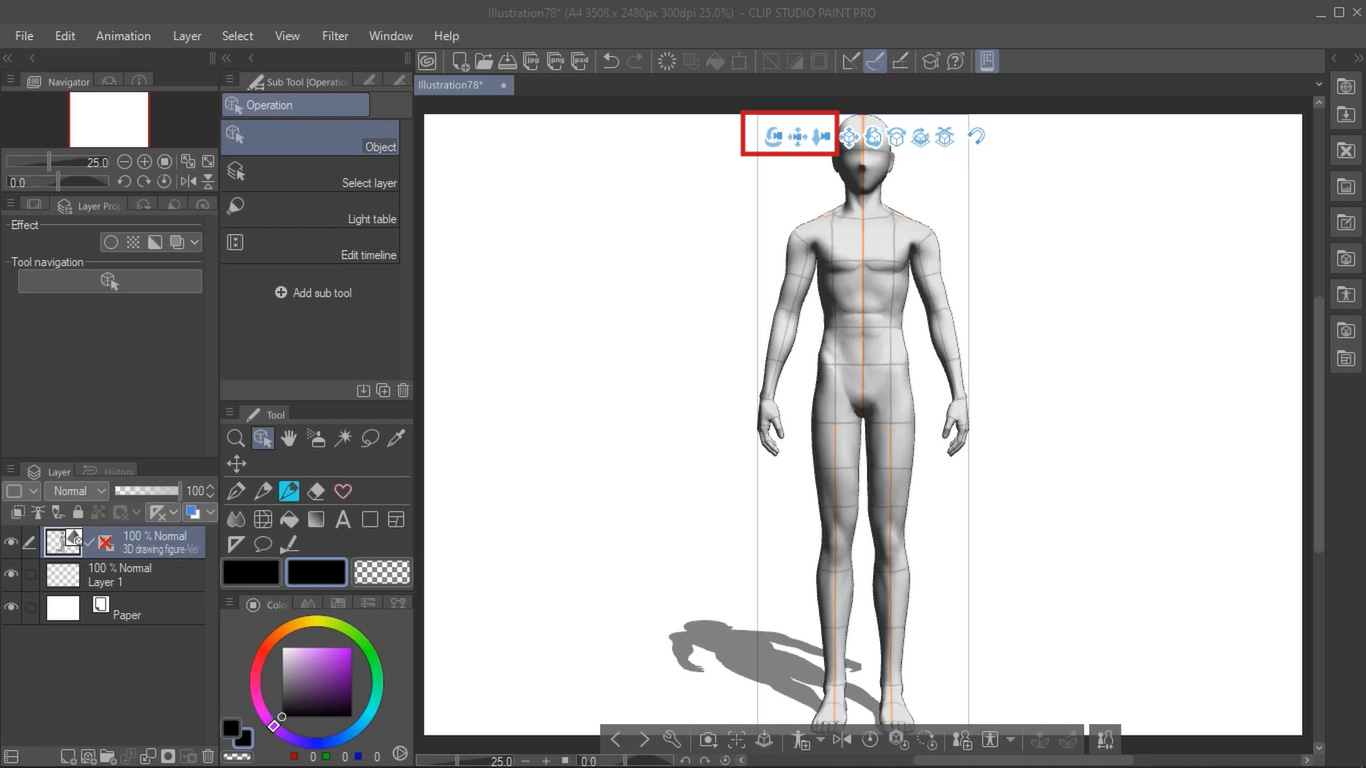
If you’re a CSP user, you can access 3D models within the program! You can pose, adjust proportions, and choose from thousands of ready-made poses.
And that’s a wrap on part 1! We will continue with part 2 with some more unconventional but equally effective tools :)
And let me know in the comments if you’ve used any of these tools before, what your favorite is, and what other 3D tools you recommend!
And lastly, subscribe to get more blogs like these!
Silent Partners: Artist and Mannequin from Function to Fetish - Jane Munro (pg. 13-14)
Silent Partners: Artist and Mannequin from Function to Fetish - Jane Munro (pg. 39)